
WhatsApp Desktop
WhatsApp Desktop is the official WhatsApp app for Windows, letting you chat and call from your PC with the account on your phone.
339.2 MB

156.0.1 · MZLA Technologies Corporation · Page updated
Thunderbird is a free, open-source email client and personal information manager for Windows, macOS, Linux and Android.
Average 0.0 · ratings: 0
Thank you! Your rating is saved; you can change it. Could not save the rating. Please try again later. Too many ratings from your network today. Please try again tomorrow. The average appears after 5 ratings.
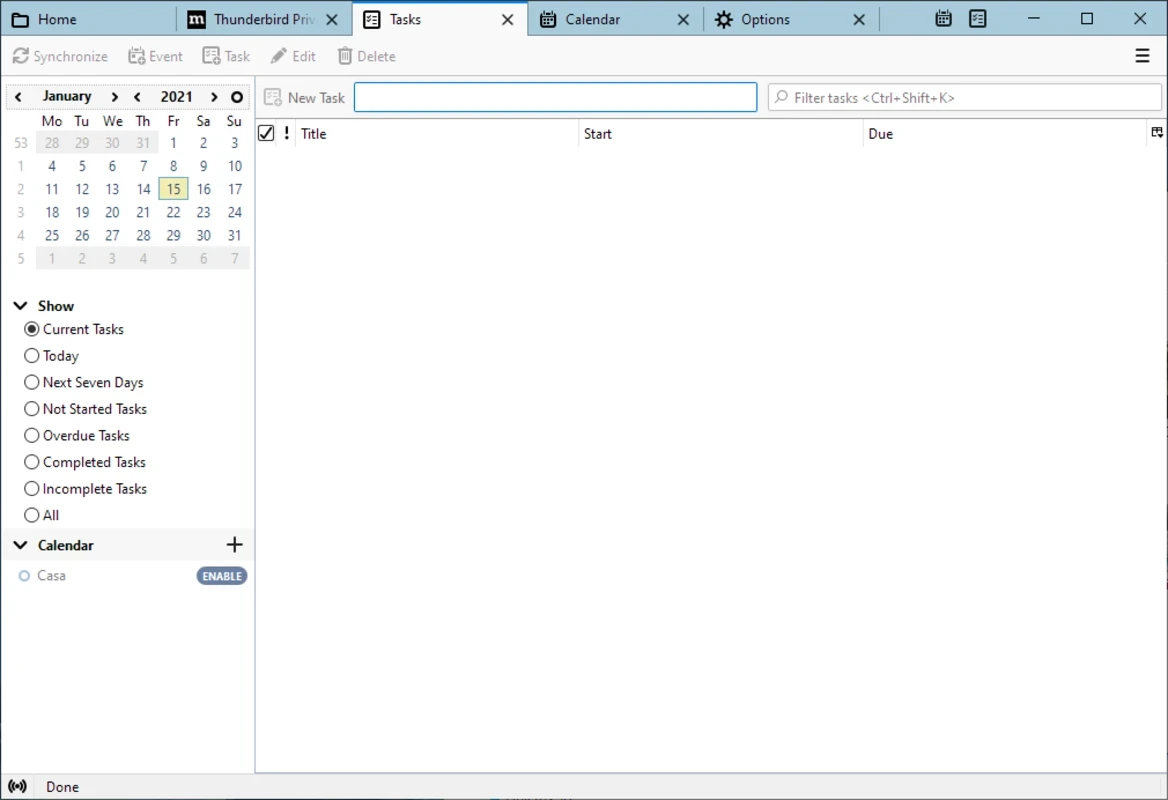
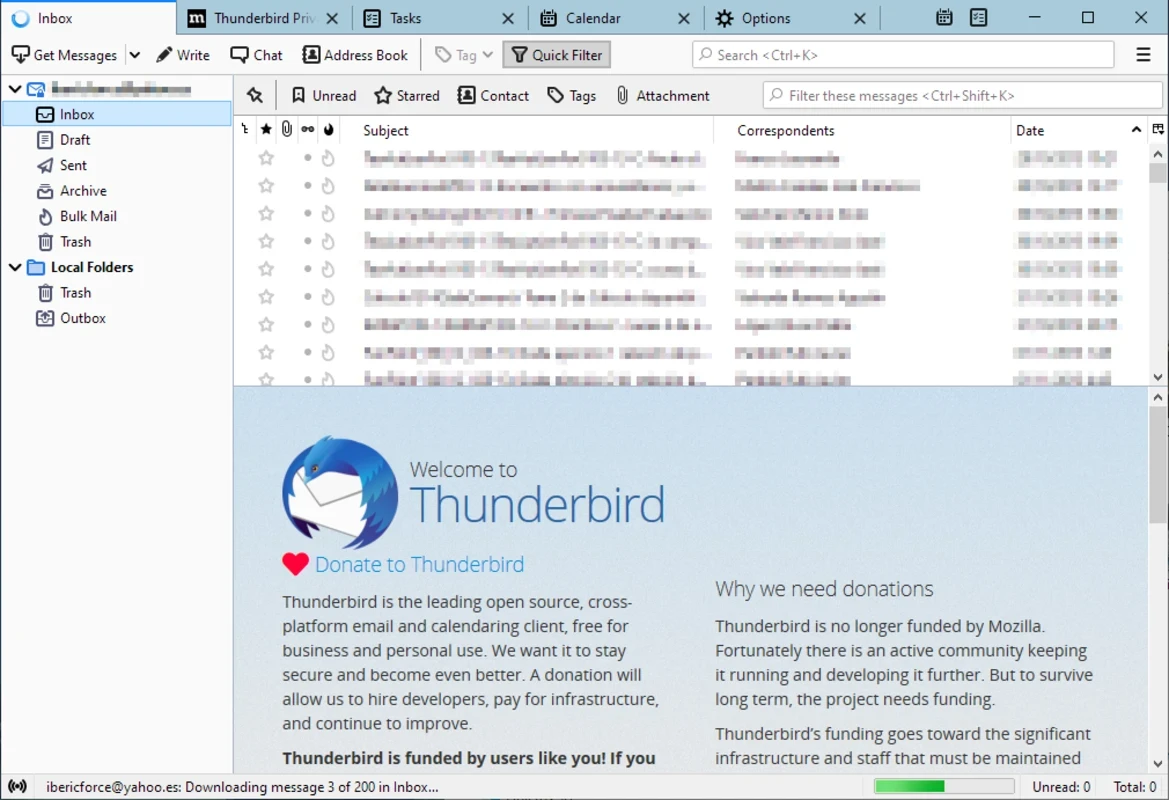
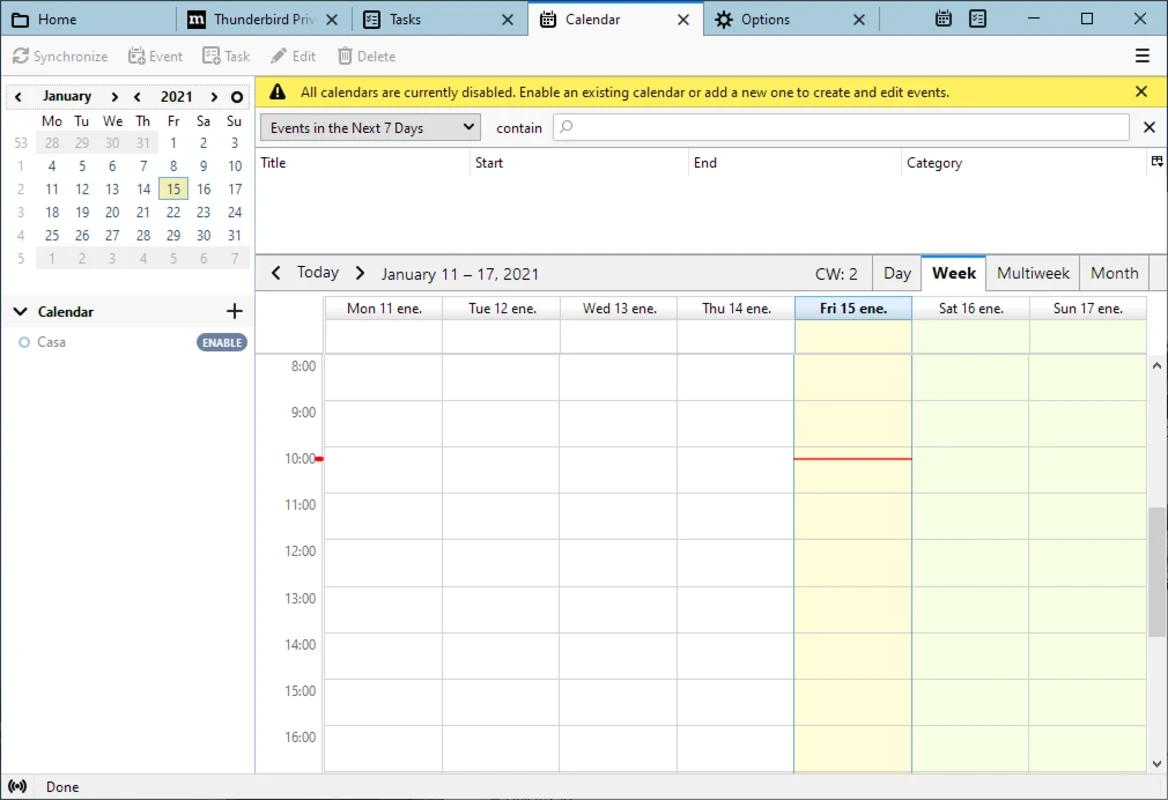
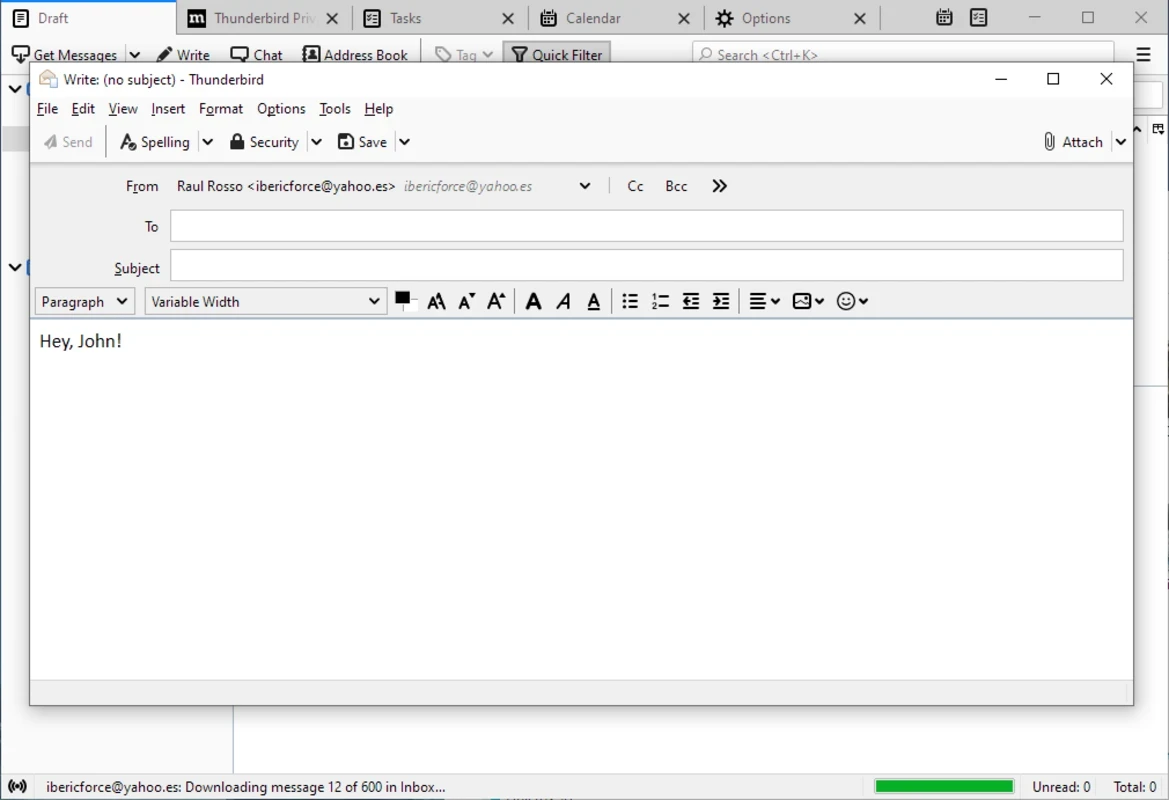
Thunderbird 156.0.1 is the free, open-source email client and personal information manager for Windows, developed today by MZLA Technologies Corporation under the Mozilla umbrella. It brings several mail accounts, an address book and a personal organiser into one desktop program, and you can download Thunderbird from thunderbird.net.
| Item | Details |
|---|---|
| Version | 156.0.1 (stable, September 2026) |
| Developer | MZLA Technologies Corporation, Mozilla |
| Systems | Windows, macOS, Linux, Android, FreeBSD, NetBSD |
| Engine | Gecko |
| Licence | Mozilla Public License, version 2.0 |
| Written in | C++, C, JavaScript |
| First released | July 2003 |
| Size | about 83.86 MB according to catalogue data |
Thunderbird is a classic desktop email program. Instead of opening a separate website for each mailbox, you add your accounts once and read everything in one window, with your messages stored on the computer as well as on the server. Wikidata classes it not only as an email client but also as a newsreader, an address book, a personal organiser and an XMPP chat client, which reflects how much it has grown since 2003. The rendering engine is Gecko, the same technology behind Firefox, and the whole project is open source, so its code can be inspected by anyone. People choose it for control: it works with ordinary mail providers, does not tie you to one company's ecosystem and keeps your mail usable even when a webmail interface changes. There is also an official Android app, so the same client can accompany you on the phone.
Source code is available in Mozilla's comm-central repository on GitHub.
The regular release line receives new features frequently. The extended support release (ESR) changes less often and suits offices and anyone who prefers stability over novelty. Both lines receive security fixes.
Keep automatic updates on, because email clients handle untrusted content every day. Do not open attachments you did not expect, check the real sender address before clicking links, and protect the Windows account that stores your mail with a password. Download Thunderbird only from its official website.
Our listings include Microsoft Outlook and Mailbird, other desktop email clients for Windows. If you prefer the browser, Gmail and Yahoo Mail offer webmail directly from their providers.
WhatsApp Desktop is the official WhatsApp app for Windows, letting you chat and call from your PC with the account on your phone.

Microsoft Teams is Microsoft's collaboration and video-conferencing app for chat, meetings, calls and shared files at work, school or home.

Zoom Meeting is the desktop client of Zoom's video-conferencing service for calls, webinars, screen sharing and chat on Windows.

Camo Studio is Reincubate's desktop app that turns an iPhone, iPad or Android phone into a high-quality webcam for a Windows PC or Mac.

Google Meet is Google's video meeting app. On Windows it runs from the browser and can be installed as an app, with no separate installer to download.

Facebook for Windows is the desktop app of Meta's social network, with the news feed, groups, pages and notifications in a separate window.

Telegram Desktop is the official Windows client of the Telegram messenger, with chats, groups, channels and file sharing synced from the cloud.

Telegram Web is the browser version of the Telegram messenger: open it on a Windows PC, log in with your phone and chat without installing anything.